I Analyzed 100 Service Business Calls With AI. What I Found Was Uncomfortable.
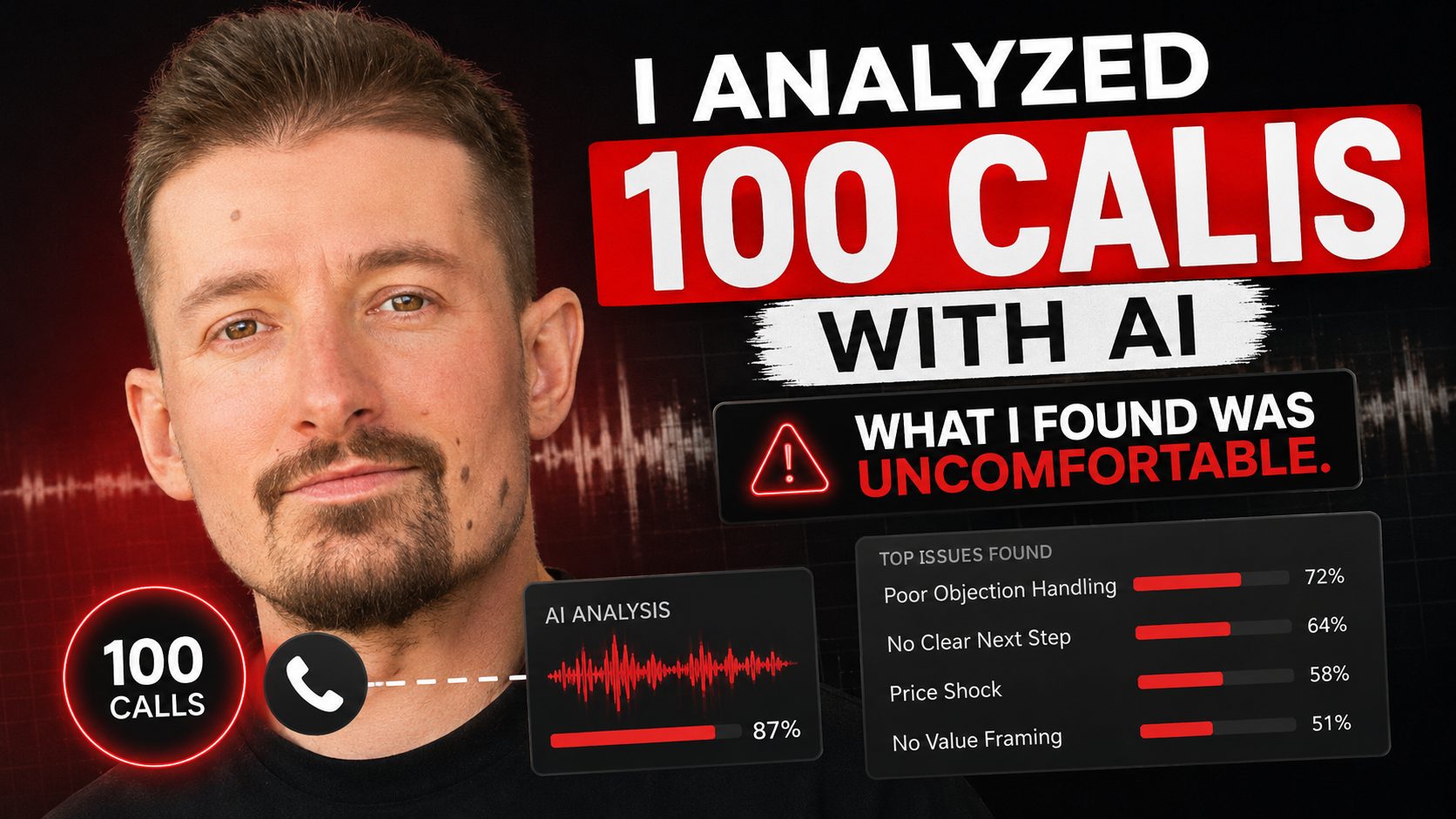
Last night I spent a few hours doing something I probably should have done a long time ago.
I built a script that pulls call recordings from our CRM, runs them through Whisper for transcription, then feeds every transcript into Claude for analysis. Took an evening to set up. Cost almost nothing to run. I applied it to 100 calls.
What I found was uncomfortable.
The Setup
The technical stack is straightforward:
| Tool | Purpose | Cost |
|---|---|---|
| Python | Orchestration script | Free |
| CRM API | Pull call recordings | Included in CRM |
| OpenAI Whisper | Speech-to-text transcription | ~$0.006/minute |
| Claude API | Pattern analysis and scoring | ~$0.01–0.03 per call |
| Output | Structured report per call | — |
Total cost to analyze 100 calls: under $5.
The script runs automatically: pulls the recording, transcribes it, sends the transcript to Claude with a structured prompt asking it to identify specific patterns — missed booking opportunities, unresolved objections, dropped calls, price refusals, premature endings.
The hard part wasn't building the tool. The hard part is what the tool shows you.
What the Data Found
Pattern 1: The "Okay Thank You" Close
There's one pattern that kills bookings more than anything else I found in those 100 calls.
Customer says: "Let me call you back."
Dispatcher says: "Okay, thank you."
That's it. No pushback. No attempt to hold the slot. No "I can hold this time for you if you want to decide now." Just acknowledgment and goodbye.
The lead walks out the door and never comes back.
This happened constantly across the call sample. And here's what makes it insidious: it doesn't show up in any report. The call is logged as completed. Duration looks normal. No red flags in the dashboard. It's just quietly bleeding out — one "okay thank you" at a time.
Pattern 2: The Dropped Call Nobody Followed Up
One recording was five straight minutes of "hello? hello?" after the line dropped.
Nobody called back. The dispatcher just let it go.
From the customer's perspective: they called a business, the call dropped, and nobody cared enough to call them back. They called a competitor and booked with them. That's the entire story. It doesn't appear anywhere in the reporting.
Pattern 3: The Price Refusal That Ended the Call in 30 Seconds
A customer asked for a rough price estimate on a belt replacement.
Dispatcher refused — standard policy, "we need to send a technician first."
Customer said "okay thanks" and hung up.
Thirty seconds. Gone.
The instinct behind this policy isn't wrong — estimates can be inaccurate, customers fixate on them, it creates expectations. But there's a middle ground between "I can't give you any number" and "it'll definitely be $X." A range. A context. Something that keeps the customer on the phone and moving toward a booking.
Without it: 30-second calls that end in disconnection.
What does not show up in dashboards?
The pipeline described here is published in anonymised form as call-audit-demo — local transcription, evidence-backed classification, and checks on the shape of the output. MIT licensed, no client data.
The same recordings answer a second question the platform will not: which charged leads were invalid in the first place. That process is on LSA recovery.
This is the core problem. Modern call center dashboards are good at measuring things that are easy to measure:
| What Dashboards Track | What They Miss |
|---|---|
| Call volume | Quality of individual calls |
| Average handle time | Whether the call ended well |
| Missed calls | Dropped calls that weren't followed up |
| Conversion rate (total) | Why individual calls didn't convert |
| Response speed | Objection handling quality |
| Hold time | Dispatcher tone and language |
The metrics that look fine in a dashboard can mask systematic problems that compound daily. If 15% of calls end in a passive "okay thank you" and those leads never convert, that's a significant revenue leak — and it's completely invisible until you actually listen.
What Good Call Handling Looks Like vs What I Found
After analyzing 100 calls, here's the pattern gap I consistently saw:
| Situation | What Happened | What Should Have Happened |
|---|---|---|
| "Let me call you back" | "Okay, thank you" | "I can hold this slot for you — what time works to confirm?" |
| Dropped call | Nothing | Call back within 2 minutes |
| Price question | Refusal | Range + context + move toward booking |
| Customer hesitating | Wait silently | Acknowledge concern, address it directly |
| End of call with no booking | Wrap up | Clear next step, specific time, confirmation |
None of these are complex sales techniques. They're basic call handling practices. The gap between knowing them and consistently applying them across dozens of daily calls is where the revenue leaks.
Why does AI analysis change this?
Before this tool, the only way to know what was happening on calls was to manually listen to recordings. For a business handling 50–100+ calls per day, that's not realistic. Managers spot-check, but systematic review at scale is impossible without automation.
With the script running, every call gets analyzed. Every call gets scored. The patterns that were invisible become visible — not as anecdotes from occasional listening sessions, but as data across the entire call volume.
What you can do with this:
- Score dispatcher performance objectively, not by feel
- Identify specific training gaps (not "handle objections better" but "when customer says X, try Y")
- Track improvement after training interventions
- Flag calls that need immediate follow-up (dropped calls, unresolved concerns)
- Build a library of good calls vs problem calls for training
The Uncomfortable Part
The data is only useful if you're willing to act on what it shows.
It's one thing to suspect your dispatchers could handle objections better. It's another to have 100 transcripts showing exactly how many calls ended with a passive "okay thank you" and no recovery attempt.
Most businesses I've talked to know there are problems on their calls. The reason nothing changes isn't lack of awareness — it's that the problem never becomes concrete enough to feel urgent. It's always "we should probably do something about that" rather than "here are 23 calls from last week where we lost the booking at exactly this moment."
The script makes it concrete. That's what changes behavior.
On paid channels the same transcripts do double duty. If you run Google Local Services Ads, the calls that were never real customers are also the calls you can get credited back — that's the LSA lead recovery side of the same pipeline.
The Broader Point About Automation and Visibility
This is the same principle behind everything I build for service businesses: you can't improve what you can't measure, and most businesses aren't measuring the right things.
SEO impressions are easy to track. Call quality isn't. Organic leads are visible in Search Console. Dispatcher performance patterns aren't visible in any standard CRM report.
The tools to fix this — Python, Whisper, Claude — are accessible and cheap. The technical barrier is low. What's harder is the cultural shift: being willing to look honestly at what's actually happening in your operation, not just at the metrics that happen to be easy to capture.
If you're running a service business with a call center and you've never actually analyzed what's happening on those calls at scale — you're guessing. And guessing is expensive.
I build these kinds of analysis tools as part of my automation work for home service businesses — call audits, lead tracking, performance dashboards. If you want to know what's actually happening on your calls, let's talk.
Related:
- 3 AM, Database Down, AI Bot Dead: What I Learned From My Worst Night in Automation
- You Don't Have a Lead Problem. You Have a Conversion Problem You Can't See.
- How to Dispute LSA Credits at Scale: $13K Recovered
- From 64 to 1,174 Pages: How I Built a Local SEO System That Drives 4-5 Organic Leads Per Day